
- 1. Preparation: Getting Ready to Start Your VW Tiguan
- 2. How to Start Volkswagen Tiguan with Key
- 3. Common Troubleshooting Tips
- 4. Tips for a Smooth Start Every Time
- Comparison of Starting Methods for VW Tiguan
- FAQ: How to Start VW Tiguan with Key
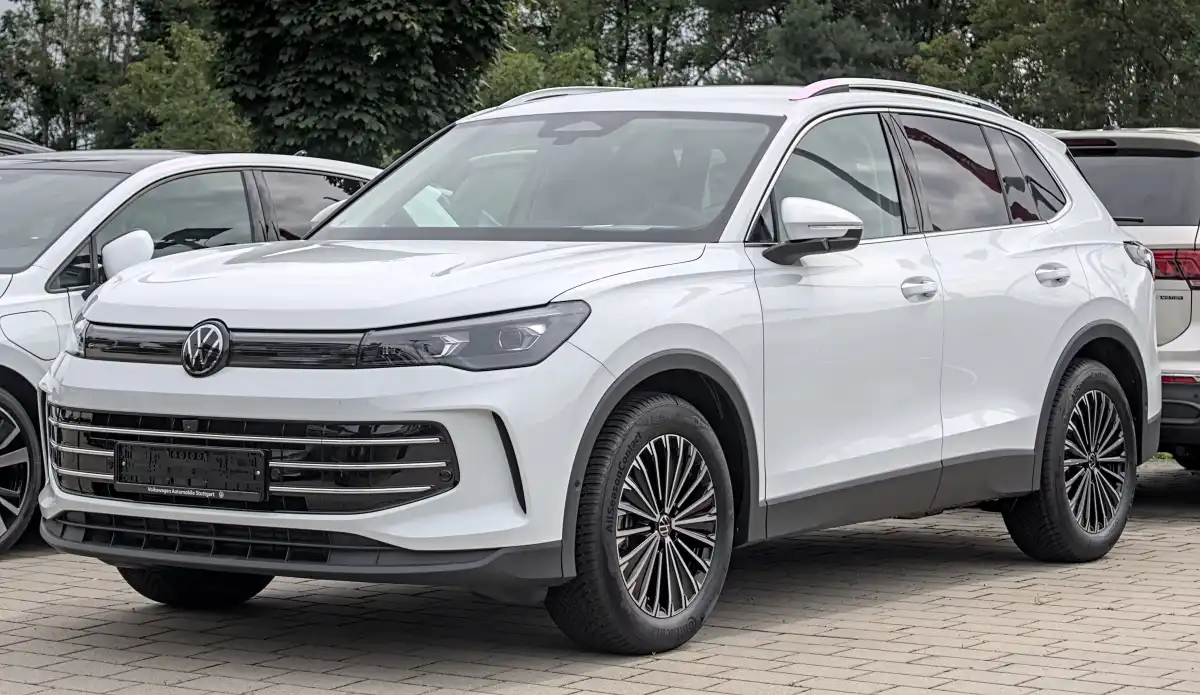
Starting your Volkswagen TiguanUAE Volkswagen TiguanKSA Volkswagen TiguanEgypt Volkswagen TiguanOman Volkswagen TiguanKuwait Volkswagen TiguanQatar Volkswagen TiguanBahrain Volkswagen Tiguan with a key is a straightforward process, whether you have a traditional ignition key or a modern key fob. This guide will walk you through how to start VW Tiguan with key, ensuring a seamless experience every time. Let’s dive into the process and troubleshoot common issues.
1. Preparation: Getting Ready to Start Your VW Tiguan
Before starting your VolkswagenUAE VolkswagenBahrain VolkswagenEgypt VolkswagenKSA VolkswagenKuwait VolkswagenOman VolkswagenQatar Volkswagen Tiguan, follow these essential steps to ensure a smooth ignition process:
Locate Your Key: Make sure you have the factory-issued key or key fob for your Tiguan. This is critical for proper communication with your vehicle's system.
Unlock and Enter the Car: Use your key or key fob to unlock the car. Once inside, ensure all doors are securely closed.
Adjust Your Position: Sit comfortably in the driver’s seat and ensure you have easy access to the ignition area and brake pedal.
🔑Tip: Always press the brake pedal before turning the key or pressing the start button. This is a safety feature in modern vehicles and a requirement for starting the engine.
2. How to Start Volkswagen Tiguan with Key
Whether your Tiguan has a traditional ignition key or a push-button start, follow these steps:
A. Starting with a Traditional Key Ignition
Insert the Key: Locate the ignition slot near the steering wheel column. Insert the key fully into the slot.
Press the Brake Pedal: Firmly press the brake pedal with your foot.
Turn the Key: Rotate the key clockwise to the "Start" position. Hold it briefly until the engine starts, then release it. The key will automatically spring back to the "ON" position.
B. Starting with a Push-Button and Key Fob
Ensure Key Fob Detection: Hold the key fob close to the designated sensor area, usually on the steering column or near the gear shifter.
Press the Brake Pedal: Step on the brake pedal firmly.
Push the Start Button: Press the "Engine Start" button. The engine will start once the fob is detected and the brake pedal is engaged.
⚠Important: If the engine does not start on the first attempt, wait 10 seconds before trying again. This prevents battery drain and protects the starter motor.
3. Common Troubleshooting Tips
If you're having trouble starting your VW Tiguan, here are some common issues and how to resolve them:
A. Weak Key Fob Battery
If your key fob battery is running low, the car may struggle to detect it.
Replace the key fob battery immediately. Most fobs use CR2032 batteries, which are widely available.
Alternatively, place the fob in the emergency key slot (often found near the steering column) to start the car.
B. Weather-Related Issues
Extreme cold or humidity can affect the response time of the key or key fob.
Wipe down the fob to remove any moisture and try again.
In freezing conditions, ensure the car’s ignition system is not affected by frost.
C. Hardware or System Issues
If the problem persists, it could be related to the car's ignition system or immobilizer.
Contact an authorized Volkswagen service center for assistance.
Avoid forcing the ignition or attempting DIY fixes, as this can cause further damage.
4. Tips for a Smooth Start Every Time
To ensure a hassle-free experience, keep these tips in mind:
Always have a spare key or key fob with you.
Regularly check and replace your key fob battery.
Familiarize yourself with the location of the emergency key slot or sensor area in your vehicle.
By the way, do you wonder why your VW Tiguan EPC light on? Come here to diagnose and fix it!
Comparison of Starting Methods for VW Tiguan
Feature | Traditional Key Ignition | Push-Button Start with Key Fob |
Key Type | Physical key | Key fob |
Ignition Location | Near the steering wheel column | Start button near gear shifter or dashboard |
Key Detection | Manual insertion into ignition slot | Automatic detection when key fob is nearby |
Engine Start Process | Rotate the key clockwise to "Start" position | Push the "Engine Start" button |
Emergency Start | Use physical key in ignition slot | Use emergency key slot for weak fob detection |
FAQ: How to Start VW Tiguan with Key
Q1: What should I do if my key fob isn’t detected?
A: Check the battery in your key fob. Replace it if weak. If the fob still isn’t detected, use the emergency key slot or hold the fob near the sensor area to start the car.
Q2: Can I start my Volkswagen Tiguan without the original key?
A: No, you need an authorized key or fob programmed to your vehicle. Using unauthorized keys can compromise security and damage your car's electronics.
Q3: Do I need to reprogram my key fob for push-start functionality?
A: No, factory-issued key fobs are pre-programmed for your Tiguan. However, if you get a replacement fob, it must be programmed by an authorized Volkswagen dealer.
By following these steps and tips, you'll have no trouble starting your Volkswagen Tiguan with a key, ensuring a smooth and enjoyable driving experience.
Read More:
The Top 4 European Car Brands of 2025: Leadership in Innovation and Luxury
2026 Audi Q3: Bold Design and Futuristic Technology with a Stalk-Free Cabin
Toyota Land Cruiser 2025 Hybrid: A New Launch in the UAE, First Globally